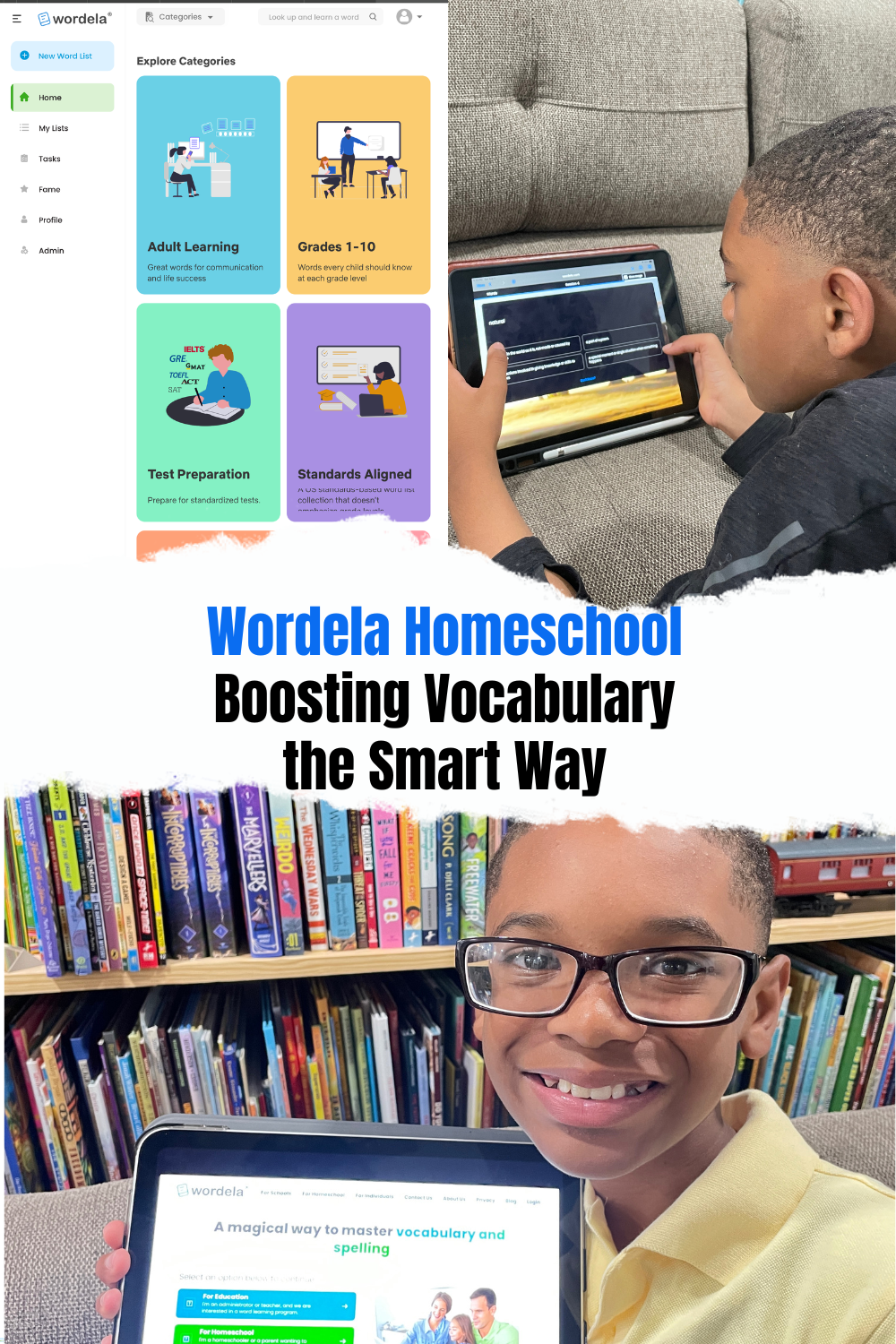
Disclaimer: I was compensated for my time in exchange for my honest review. Opinions and viewpoints are my own.
If you’re anything like me, vocabulary can feel like one of those areas of homeschooling that’s easy to overlook—or just default to the same old word lists year after year. Enter Wordela Homeschool, an all-in-one online vocabulary program that promises to make building word power more engaging, adaptable, and effective for the whole family.

What Is Wordela?
Wordela Homeschool is a vocabulary and spelling platform designed for learners ages 5 and up—and yes, that includes high schoolers prepping for standardized tests like the SAT and adults eager to strengthen their word skills. The program is fully online, self-paced, and can be easily accessed on any device: Mac, Windows, iPad, Chromebook, iPhone, you name it.
Wordela stands out by using adaptive AI that personalizes your learner’s vocabulary learning. It analyzes each child’s readiness for any given word, then customizes the order, frequency, and type of review they receive. Thanks to this approach (and the generous sprinkling of games and motivational achievements), kids and parents both are likely to stick with it.
How Does Wordela Work?
Getting Started:
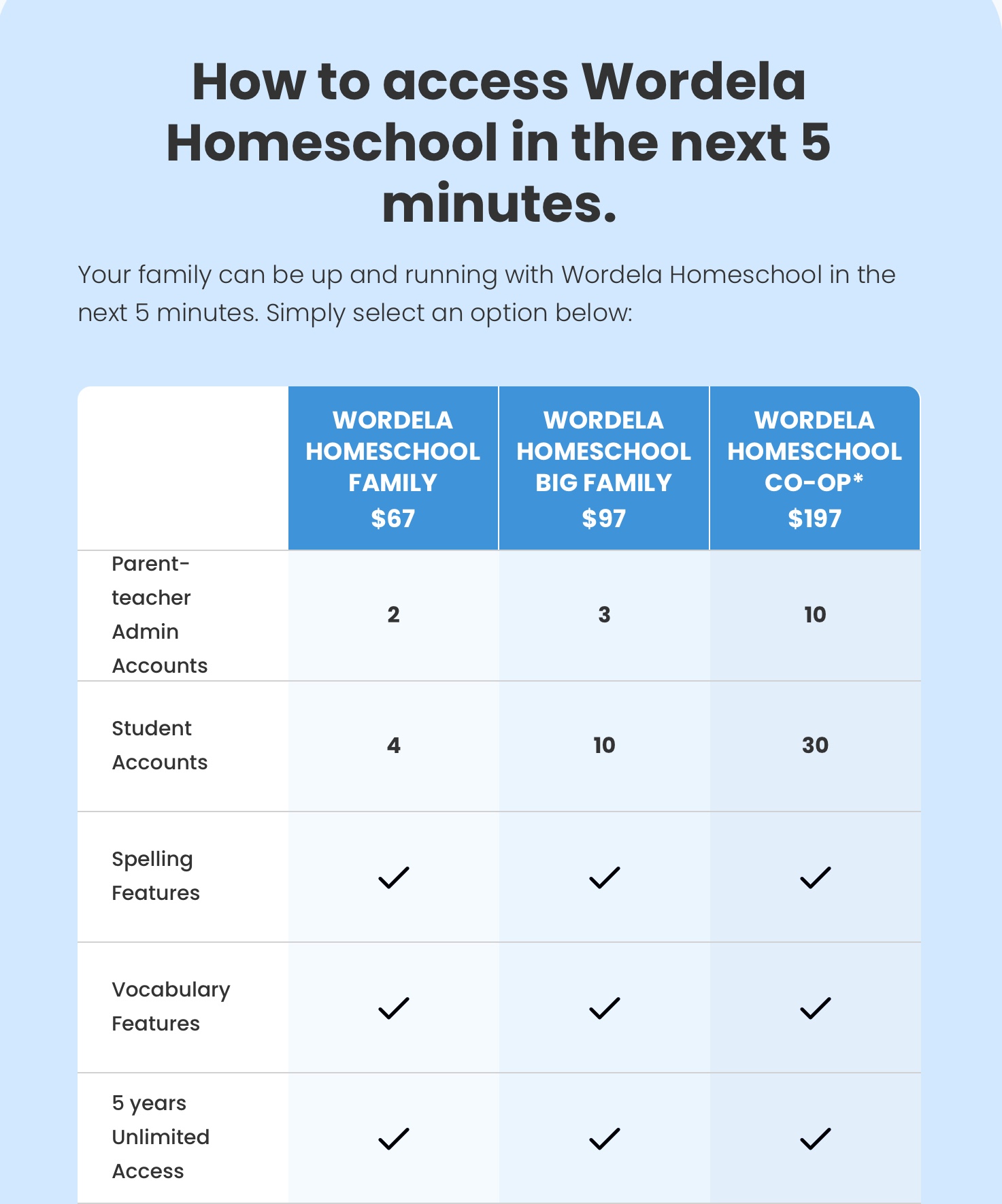
Setup is delightfully quick. With a small family subscription, you can add up to four children (plans are available for larger families or up to 20 in a co-op plan), each with their own progress tracking and login. No student email is required, which is a nice privacy touch for younger kids.
Learning Paths:
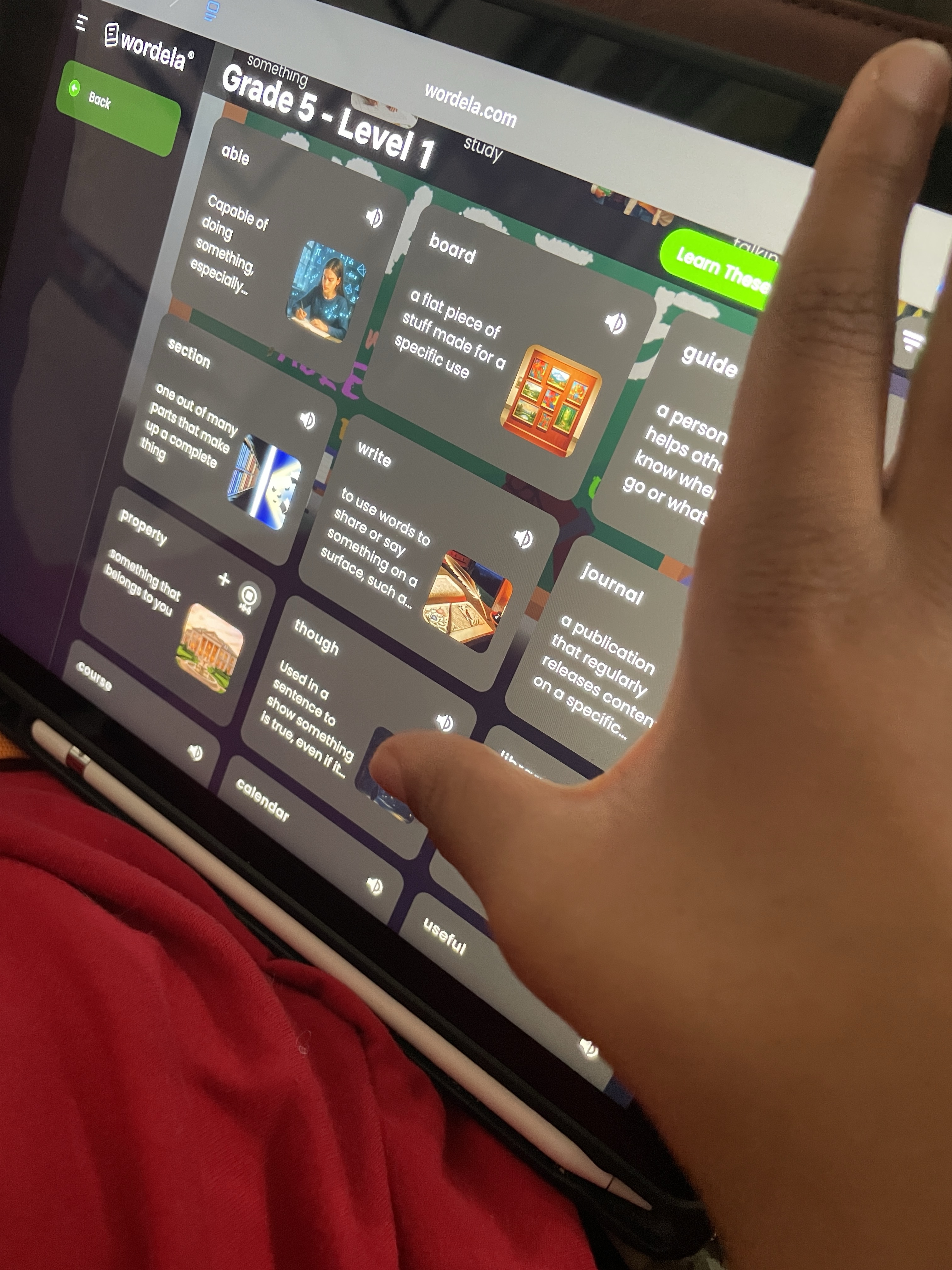
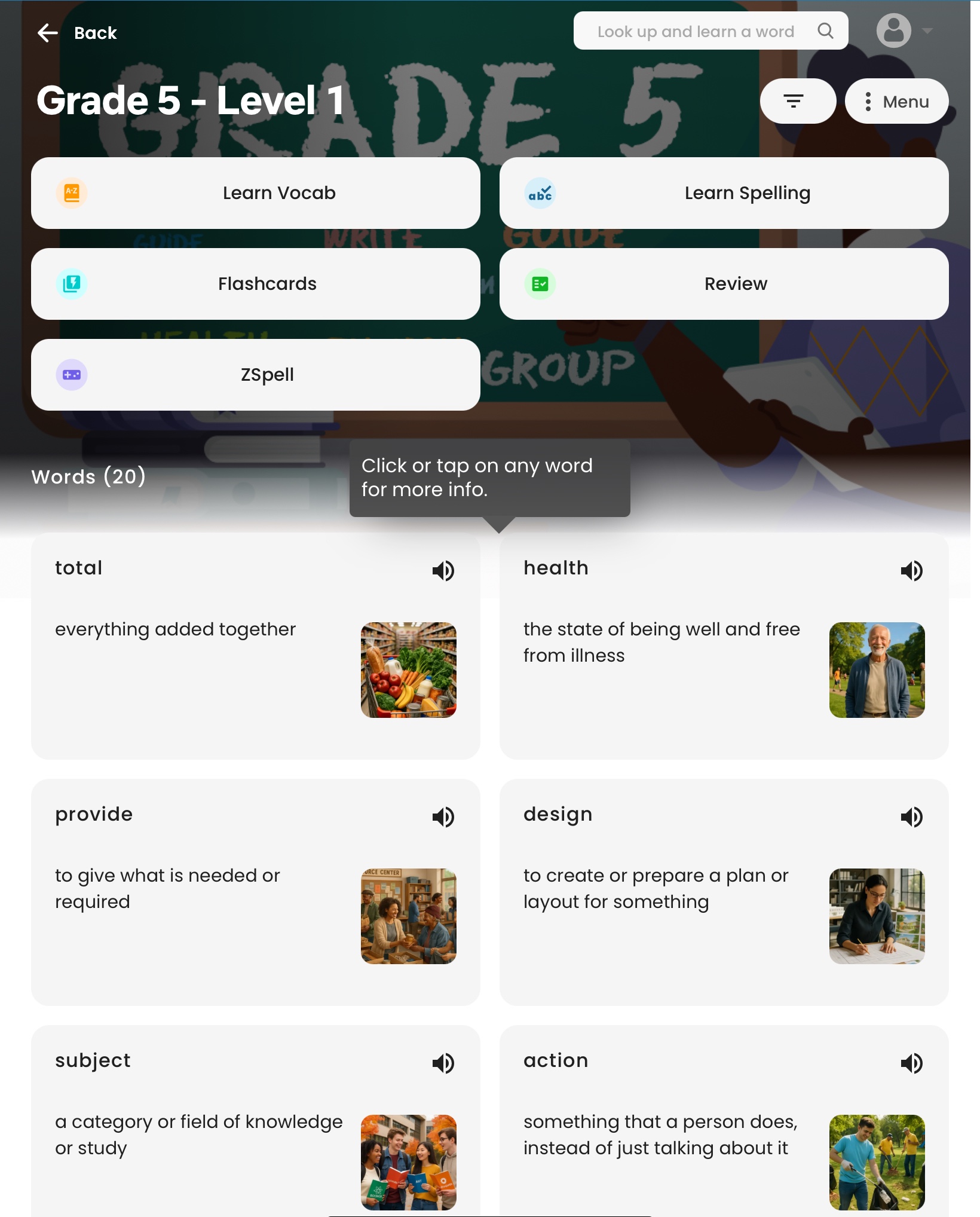
Once your child logs in, they can select a word list—from ready-made academic, SAT, or ESL lists to custom word lists you create yourself. The program offers four main modes:
• AutoLearn: Adaptive learning that chooses what’s next.
• Smart Flashcards: Digital flashcards that flip for definitions and context.
• Review: Offers several sources (like Dictionary, Wiktionary, Wikipedia) and lets you track mastery over time.
• ZSpell: A fun, Galaga style, retro-inspired typing game where spelling/a word-typing challenge doubles as practice.
Progress is automatically saved and synced, whether your child accesses the platform from home, the library, or on the go. This is an excellent option for road and world schoolers.
Customization:
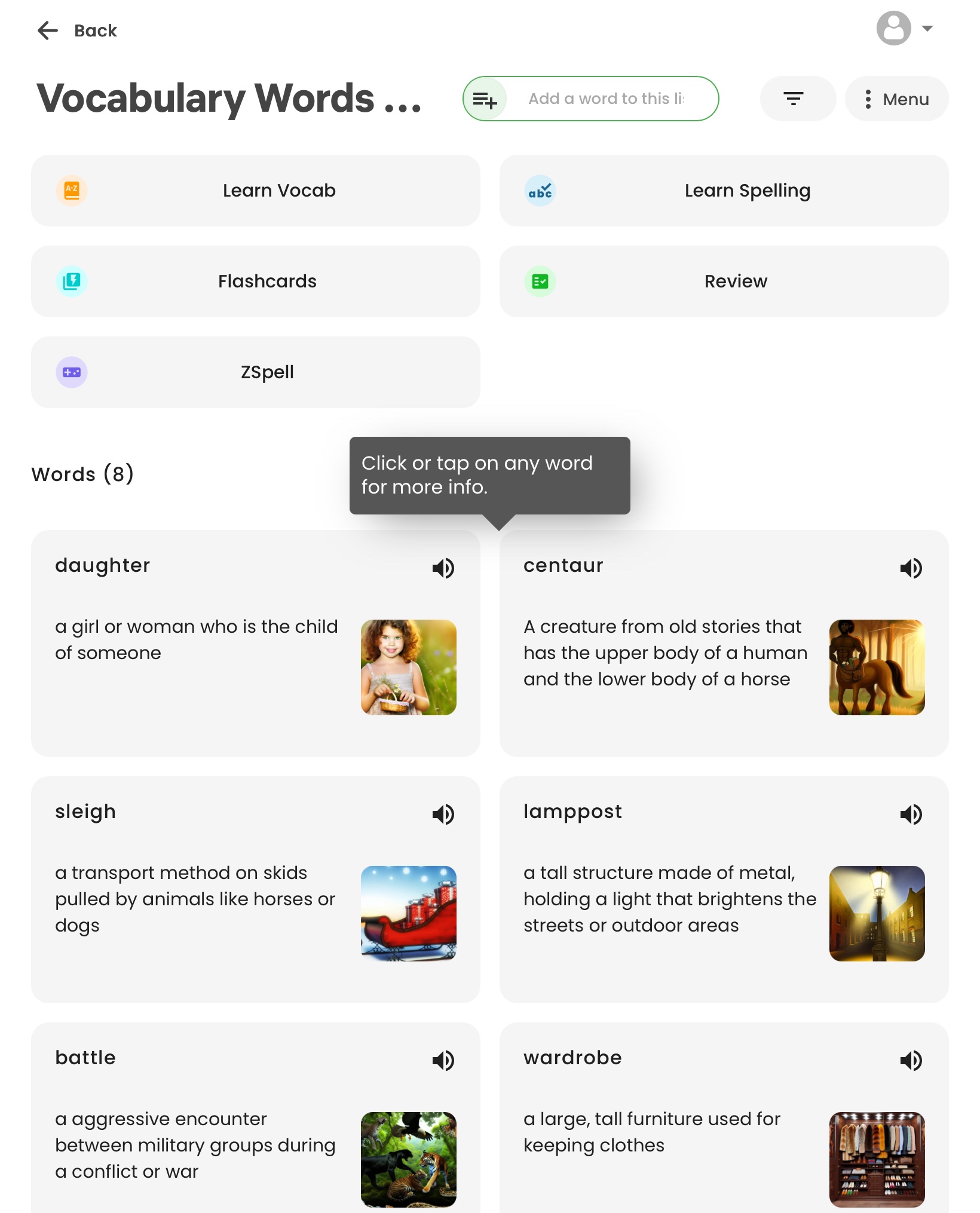
One of my favorite parts? The ability to create custom word lists based on your child’s interests (think aeronautics, Shakespeare, or biology). Just type in the words, and Wordela handles the definitions, pronunciations, and incorporating them across different learning modes—with no repetitive data entry on your part. I chose to include a wordlist of vocabulary from The Lion, The Witch, and the Wardrobe for my son and I didn’t have trouble finding any words to add to the list. With over 520 million words to choose from you won’t have a problem with a wordlist either.
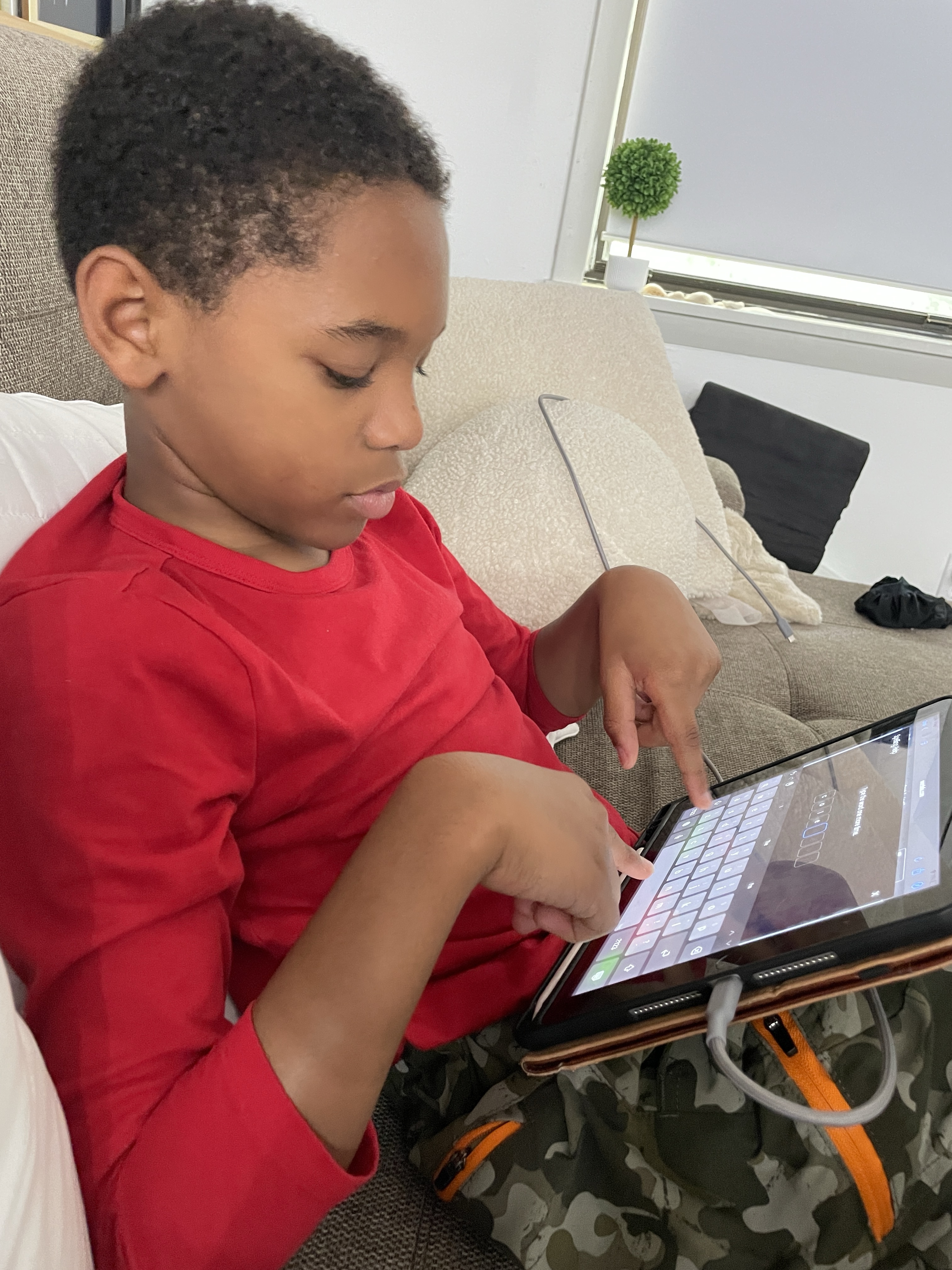

What Makes Wordela Special?
• AI-Driven Personalization: Every child gets individualized review frequency and style, maximizing retention.
• Family-Friendly Pricing: Plans start at $67 for a five-year family subscription (four user accounts), with packages for larger families or co-ops. That breaks down to just a couple dollars per user, per year—much less than many other programs. Notice I didn’t say one year… I said FIVE!
• Streamlined Parent Admin Tools: Monitor progress, tweak assignments, and reset passwords all from a simple dashboard. Parents are truly in the driver’s seat, but independent learners can work at their own pace.
• Gamification and Motivation: Earn points, compete with yourself, unlock avatars and achievements, and play spelling games for a sense of progress (my tween gifted kiddo, shockingly, loves ZSpell!).
• Secular and Flexible: Wordela can fit into any curriculum or supplement, whether you take a classical, unschooling, or test-prep approach.
Pros and Cons
Pros:
• Customizable, easy-to-make word lists
• Affordable multi-year family pricing
• Motivational games and instant feedback
• Excellent admin/parent dashboards
• Works for SAT/ACT/test prep and ESL learners
Cons:
• Some word definitions or AI-generated content could occasionally have errors (always good to double check on crucial words)
• For younger kids (under 10), some activities may need adult support or extra motivation
• The focus is on vocabulary and spelling—if you want grammar or writing, you’ll need a separate resource
• No offline functionality (need internet access for full use)
• In order to use the ZSpell game you will need a computer – it’s doesn’t work well on a tablet because the child needs to type to win.

Who Should Consider Wordela?
• Families with multiple children at different levels
• Homeschoolers who want to track progress but encourage independence
• Kids prepping for standardized tests or seeking advanced vocabulary
• Anyone (including adults!) looking to level up their communication skills
Flexibility for Different Ages
Wordela is targeted for Kindergarten and up so I tried it out with my friends’ kids as young as 8 years old. Their parents echoed my sentiment about the program and I believe this would be an excellent resource for advanced learners much younger. If you have a younger or struggling learner, plan for a little extra support, especially at first, but don’t hesitate to give Wordela a try. It will grow with them.
How do we use Wordela in our Homeschool?
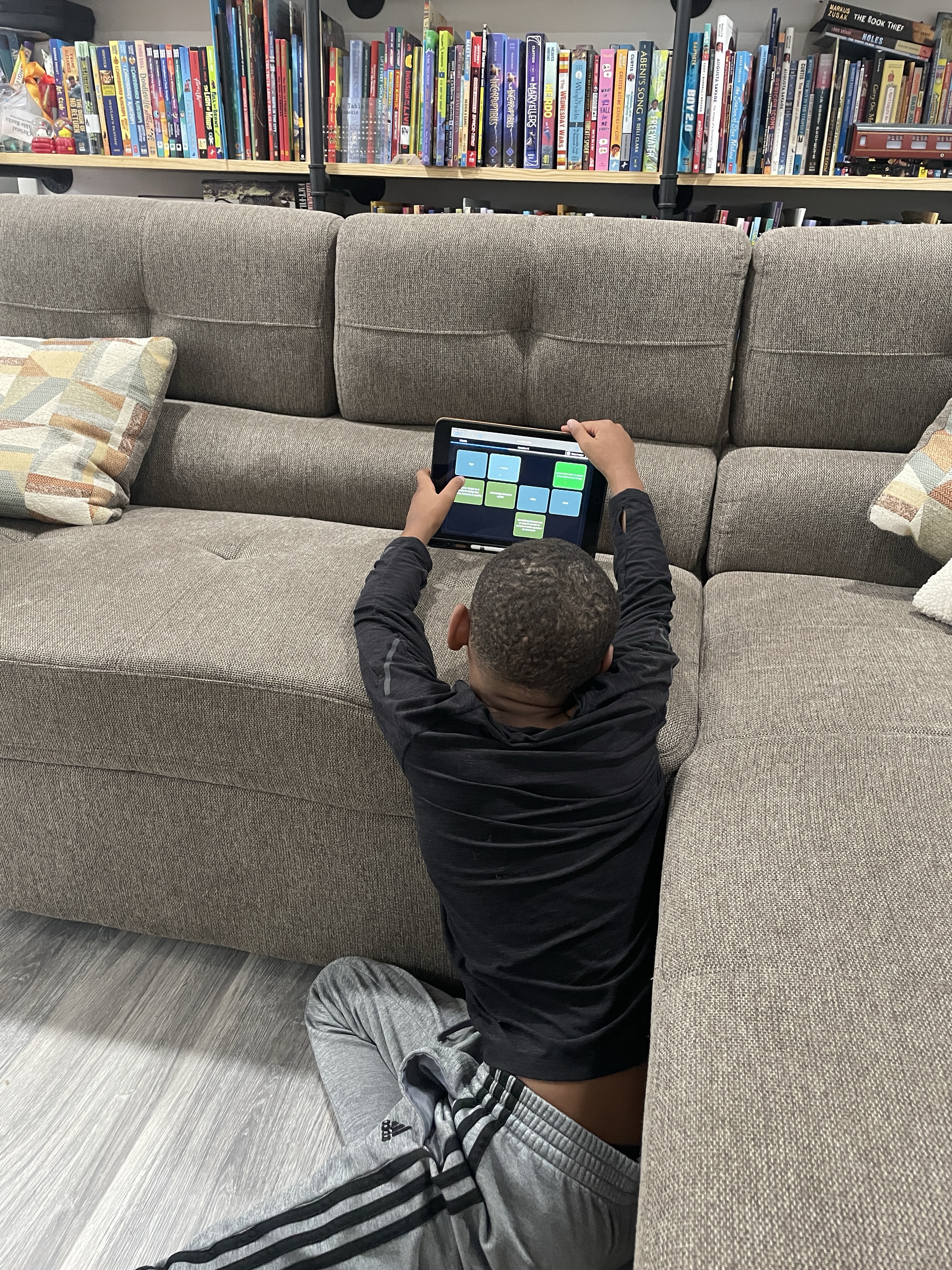
I review a lot of curriculum, and of course, you want to know if this is something I use in our personal homeschool. The answer is yes. We have used Typesy (A home typing tutor) for years in our Homeschool as Morning Work and adding in this newest product by the same company was a no brainer and perfect for leveling up our rigor. What surprises me the most is how well my kiddo can spell because… as eclectic unschoolers we don’t have spelling as a regular part of our school day and never have… (insert shock and awe here). Part of that is probably because of Typesy.
Final Thoughts
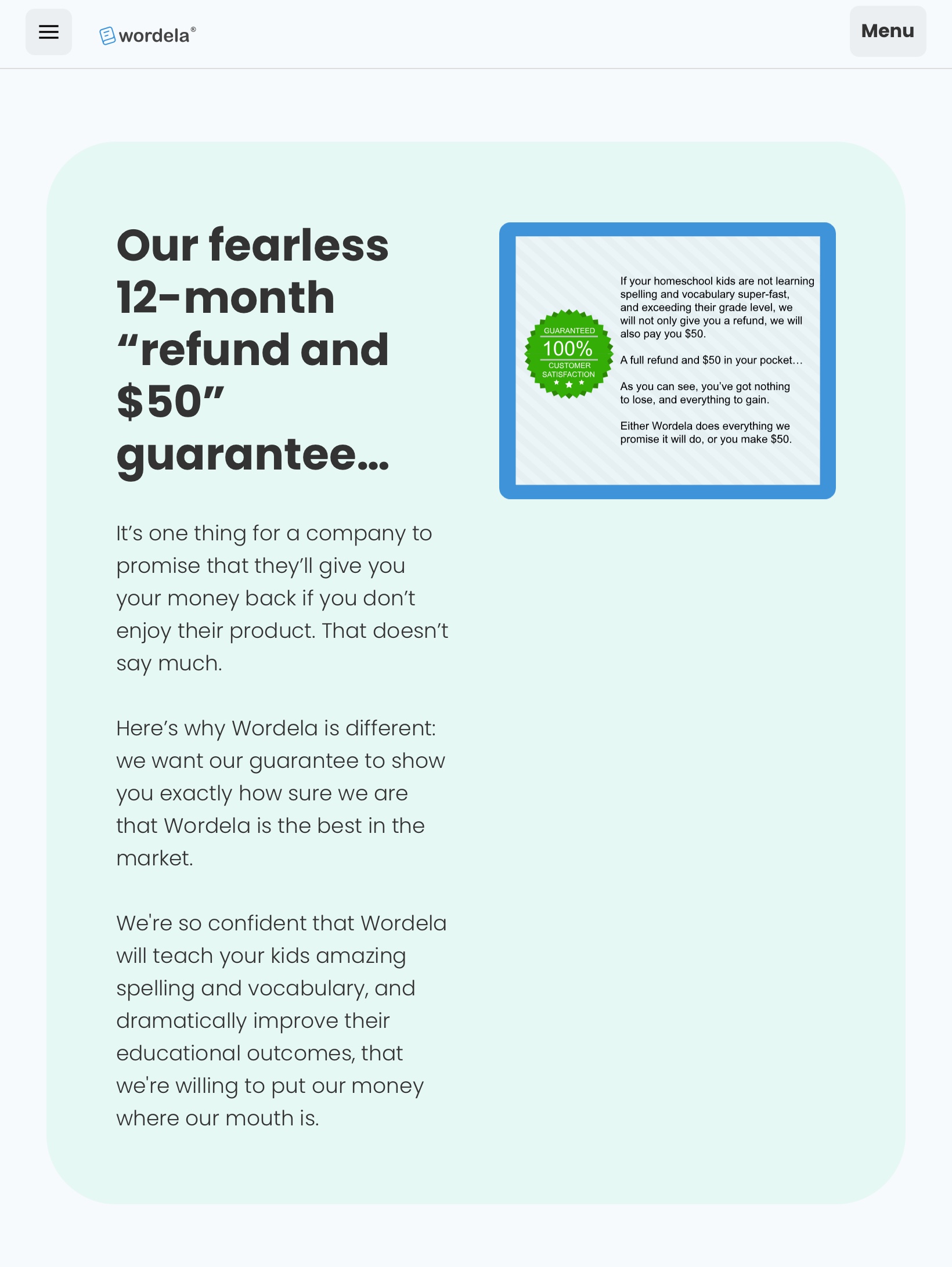
Wordela Homeschool has become a reliable addition to our vocabulary and spelling toolkit. I love the mix of structure, flexibility, and built-in fun—and as the parent, I really appreciate being able to tailor my child’s experience to their needs, goals, and interests. If you’re tired of endless word list drills or just want to inject a bit of excitement into language learning (and save yourself some record-keeping headaches), Wordela is absolutely worth a try. It even carries an excellent guarantee that pays you if you don’t like it!
If you’ve tried Wordela or have your own homeschool vocab hacks, I’d love to hear about them in the comments!
Have a resource you’d like to see us review next or have additional questions about Wordela? Let me know!

 @Mamasweetbaby
Leave a comment